Boardraw Product Overview: A Canvas Built for How You Actually Think
Boardraw isn't just another whiteboard. It's a unified canvas where your outline, slides, and live sketches coexist — built for instructors, presenters, and visual thinkers who need to move fast.
Most whiteboard tools are built for the wrong moment. They shine in the planning phase — when you have time to craft a polished diagram before a meeting. But what about the moment when someone asks a question mid-session and you need to sketch the answer right now?
That's the gap Boardraw was built to fill.
The Problem With Traditional Whiteboards
You're teaching. You have a slide deck open, some rough notes in a text editor, and a whiteboard tool in a third tab. You switch back and forth. You lose your place. The flow breaks.
Or you're in a client meeting. You want to diagram something on the fly, but your whiteboard is blank — you'd have to rebuild all the context you already have in your slide deck.
The core issue: your tools don't talk to each other. Your visual canvas is disconnected from your content.
What Boardraw Does Differently
One Canvas, All Your Content
Boardraw lets you pull in your existing materials — PPTs, PDFs, images — and work directly alongside them. Pin a slide next to your canvas. Annotate a diagram in a PDF. Sketch over an uploaded image. Everything lives in one view.
No more switching tabs. No more losing context.
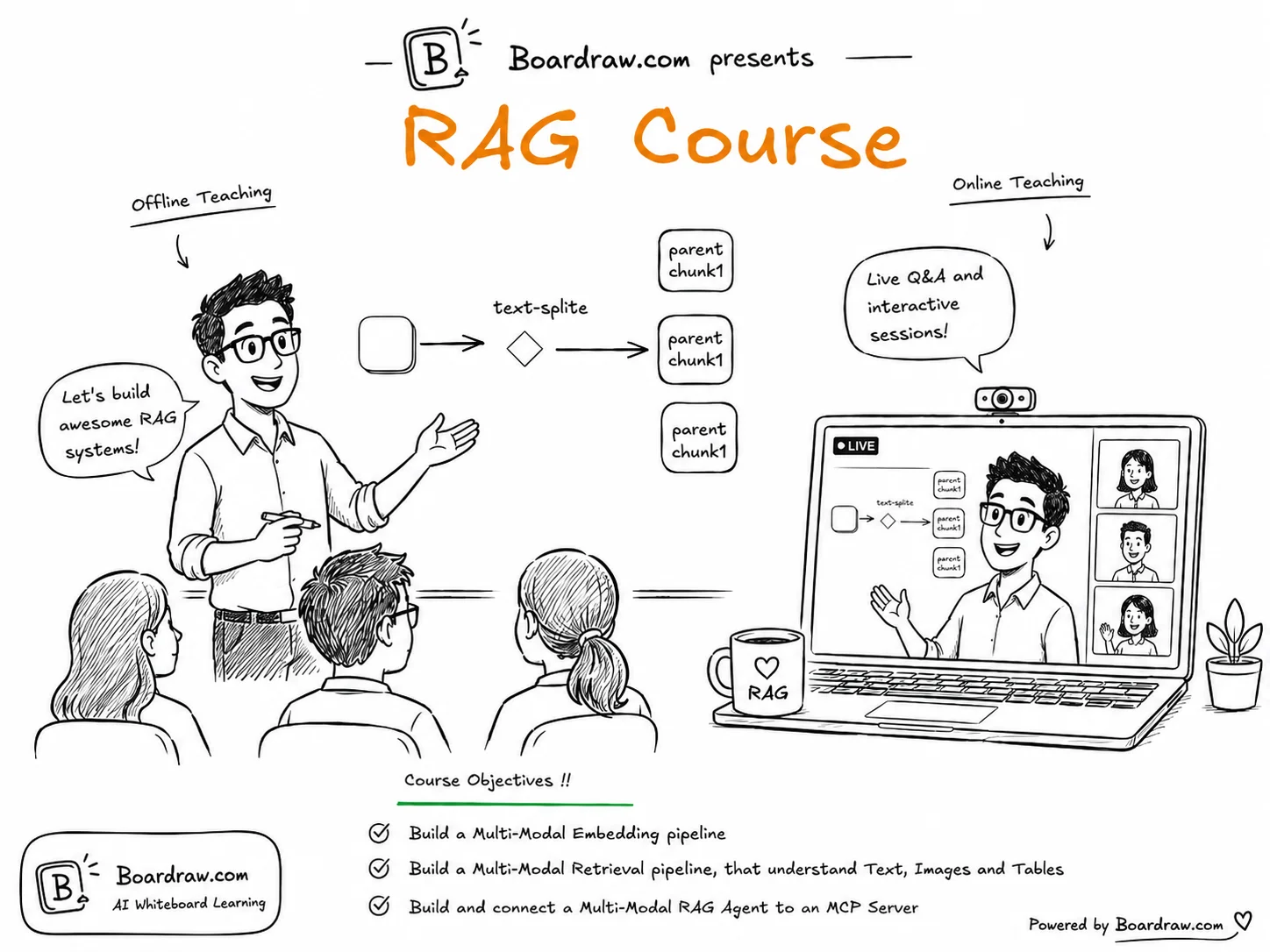
Outline + Canvas Side by Side
One of the most underrated features: the split view. Your structured outline on the left, your freeform canvas on the right. As you work through a lesson or presentation, you can glance at your notes without ever leaving the canvas.
This is the setup that instructors have been hacking together with multiple monitors and duct tape. Boardraw makes it native.
Draw Anything, Instantly
Shapes, arrows, freehand lines, sticky notes, text — all accessible with a single keystroke. No toolbars to navigate, no menus to dig through. If you can think it, you can draw it in seconds.
The pen tool is especially built for live teaching: pressure-sensitive, smooth, and fast enough to keep up with your thoughts.
Real-Time Collaboration
Share your canvas with a link. Team members, students, or clients can join and see exactly what you're drawing as you draw it. They can comment, add their own notes, or just observe.
Collaboration in Boardraw is designed to feel like being in the same room — not like watching a screen share.
Who It's For
Instructors & Educators — Teach visually without losing your lesson structure. Reference slides, sketch examples, and take student questions without missing a beat.
UX & Product Teams — Wireframe alongside your research notes. Review designs with the brief visible. Run sessions where everyone can contribute.
Consultants & Coaches — Present, annotate, and co-create with clients in real time. Leave sessions with a canvas full of decisions and next steps.
Presenters & Speakers — Replace static slides with a living canvas. Draw your way through a talk that adapts to your audience.
The Technical Details
Boardraw is built on a modern web stack — no plugins, no installs. It runs entirely in your browser, so it works on any device and any OS.
Key technical highlights:
- WebSocket-based real-time sync — changes propagate in under 100ms
- Infinite canvas — no size limits, no pagination
- Vector export — download your canvas as SVG or PNG at any resolution
- File import — drag in PDFs, PowerPoints, images, and more
- Keyboard-first design — every tool is one keystroke away
Getting Started
Starting is simple: create an account, open a new canvas, and start drawing. There's no onboarding maze. The canvas is blank and ready.
If you want to bring in your existing materials, use the import button in the toolbar. PPT files, PDFs, and images are all supported.
If you want to invite collaborators, share your canvas link from the top-right menu. Anyone with the link can view; you control who can edit.
What's Coming
We're actively building:
- AI-assisted diagramming — describe what you want to draw, and Boardraw sketches a first draft
- Template library — pre-built canvases for common teaching and workshop formats
- Recording mode — capture your canvas session as a video walkthrough
- Mobile app — draw on an iPad while presenting from a laptop
Try It Free
Boardraw is free to start — no credit card required. Create your first canvas and see if it fits the way you think.
Questions? Feedback? Reach out at darren94me@gmail.com — we read every message.